

Ceiling fans might look simple, but the ceiling fan direction and the way the ceiling fan blades rotate can affect indoor comfort and energy costs during different seasons. The way the ceiling fan spins helps move warm air or cool airflow inside your home. In Kenner, Louisiana, summer heat demands better airflow to feel cooler, while winter calls for proper circulation so warm air that collects near the ceiling can be pushed down again. Which Way Should a Ceiling Fan Turn is an important question because learning how to set your ceiling fan direction correctly helps the HVAC system and keeps indoor temperature stable without relying solely on air conditioning or heating.
Adjusting fan directions is easy using the direction switch on your ceiling fan housing or remote. Cleaning the fan blades regularly is also important because dust reduces airflow and can affect performance. Correct ceiling fan direction helps reduce pressure on the heater or AC and can lower energy costs.
Why Ceiling Fan Direction Matters
When it comes to ceiling fans, the ceiling fan direction changes how the fan blades push or pull air. Ceiling fan direction does not change the temperature but helps people feel cooler without lowering the thermostat. The direction of your ceiling fan can support heating or cooling to save energy. When clockwise movement is used, warm air rises and circulates. When counterclockwise rotation is used, cool airflow moves down to help people feel cooler.
Using a ceiling fan correctly increases airflow and helps reduce strain on HVAC equipment. If your ceiling needs cooling support, pairing a ceiling fan with air conditioning can help comfort and lower energy costs.
How Ceiling Fan Rotation Works
Ceiling fan blades rotate in specific patterns depending on the season. The way the blades move pushes air across the room.
- Counterclockwise rotation pushes air downward to support air conditioning and help people feel cooler.
- Clockwise rotation pulls cool air upward and pushes warm air that collects near the ceiling back down the walls.
Looking up at the fan, you can identify the direction of the ceiling fan during operation. When the fan spins counterclockwise, you should feel airflow directly below. When rotating clockwise, airflow moves gently around the room without blowing downward. The direction of the fan blades affects how air feels in different seasons.
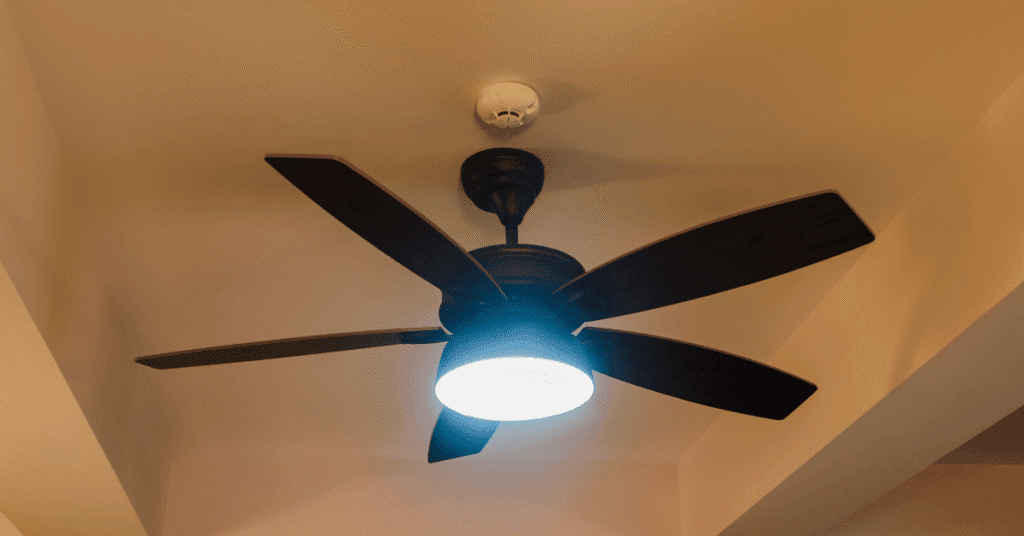
Which Way Should a Ceiling Fan Turn in Summer?
Counterclockwise Direction for Summer
The ceiling fan direction for summer should always be counterclockwise in the summer. This direction helps cool airflow and makes people feel cooler. When the fan blades rotate counterclockwise, the fan pushes air downward. This helps support air conditioning performance and reduces pressure on the HVAC system.
Why counterclockwise works:
- Helps people feel cooler
- Improves airflow
- Supports AC performance
- Lowers summer power bills
How to check:
Turn the fan on and stand below it. If you feel airflow blowing down, the ceiling fan should be spinning the right way. If not, switch to change the direction.
Which Way Should a Ceiling Fan Turn in Winter?
Clockwise Direction for Winter
In the winter, the ceiling fan turn should be clockwise. The fan pushes warm air that collects near the ceiling down the walls and back into the room. This helps temperature in your home feel more even and lowers energy costs. The fan should turn clockwise at a low speed so it does not create a draft.
Why clockwise rotation helps:
- Circulates warm air
- Prevents heat loss near the ceiling
- Supports heating performance
Run your ceiling fan clockwise in the winter to help push warm air down. Many homes have warm air at the top; the fan direction in the winter may help keep living areas warmer.
Spring and Fall Fan Direction
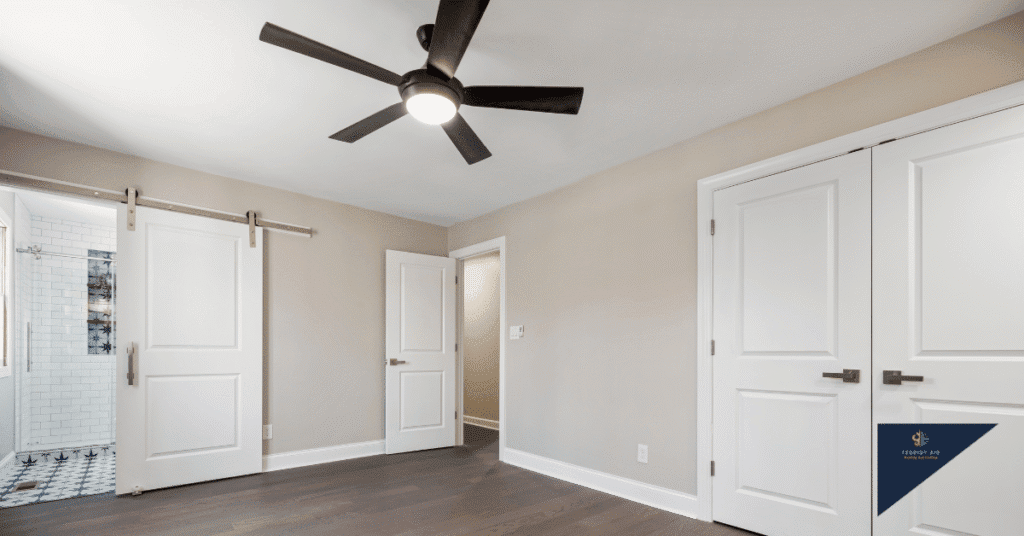
During seasons change like spring and fall, the correct direction depends on temperature. If temperatures rise, the ceiling fan should rotate counterclockwise so people feel cooler. On colder days, rotating clockwise helps keep warm air inside.
How To Change the Direction of Your Ceiling Fan
Most overhead fan designs include a ceiling fan switch to change the direction. Some models use a remote.
Steps:
- Turn off the fan
- Wait for blades to stop
- Use the switch to change
- Restart and confirm
This helps set the ceiling fan direction correctly for different seasons. Cleaning fan blades before changing direction helps airflow and reduces dust buildup. If you need repair, installation, or maintenance for the ceiling fan, call a technician.
Common Mistakes to Avoid
- Forgetting to change the direction of your ceiling fan
- Running clockwise at high speed in winter
- Assuming fans lower room temperature
- Running fans when no one is in the room
- Not cleaning blades
Fans cool people, not rooms. Turn off your ceiling fan when leaving a room.
Benefits of Using the Correct Ceiling Fan Direction
- Better temperature circulation
- Helps feel cooler in summer
- Helps keep warm air lower in winter
- Supports HVAC
- Saves energy
Ceiling Fan Direction for High Ceilings
High ceilings collect warm air near the ceiling. Use clockwise at low speed in winter to push heat down. In summer, fan to turn counterclockwise at higher speed helps airflow.
Outdoor ceiling fans should run counterclockwise to push air around.
When To Call a Professional
If your ceiling fan’s direction does not switch, if fan blades rotate unevenly, or if the fan makes noises, cleaning or repair might be needed. If fan installation was improper, ceiling fan can make noise or shake. Technicians can handle ceiling fan installation, repair, cleaning, or wiring.
If your HVAC system struggles even after setting the direction of the ceiling fan, schedule repair or cleaning. Air conditioning performance can improve when the direction of the ceiling fan is correct.

Conclusion
The best ceiling fan direction depends on different seasons. Use counterclockwise direction for summer to feel cooler. Use clockwise in the winter to help move warm air downward. Using the right ceiling fan direction supports comfort and energy savings. If cleaning, repair, or installation help is needed, schedule service.